Why native ad traffic needs its own landing page
Native ads appear inside content — in “recommended for you” slots under news articles, in feeds and on publisher sites — and are served by native ad networks such as Taboola and Outbrain. They look like the content around them, so the person who clicks one expects to keep reading. They were in the middle of an article, not looking for something to buy.
Send that person to a product page and the mood breaks: they expected a story and got a price. A page that continues reading first and sells second keeps more of them. That is why native campaigns so often point to advertorials rather than to stores. How the two fit together is covered in advertorial vs native ad.
Which page to send native traffic to
| Your situation | Send native traffic to |
|---|---|
| The product needs explaining, or the reader does not know they need it yet | An advertorial that explains the problem first |
| There are several separate reasons to buy, and readers skim | A listicle advertorial — see listicle advertorial |
| Readers are choosing between familiar options | A comparison or buying-guide advertorial |
| The ad already sells a simple, familiar product with a clear offer | The product page, or a short offer page |
| You want sign-ups or leads, not sales | An article-style page that ends in a short form |
If you are not sure, start with an advertorial and test the product page against it. The comparison tells you whether the extra page is earning its place.
Match the landing page to the ad
A native ad is a headline and a thumbnail. The landing page has a second or two to confirm the reader clicked the right thing:
- Same promise: the page headline repeats or answers the ad headline, in similar words.
- Same picture: the first image on the page continues the ad’s thumbnail — the same scene, subject or style.
- Same tone: a curious, informative ad leads to a curious, informative article, not a discount banner.
- One page per angle: when you run several ad headlines, give each angle its own page headline rather than sending all of them to one generic page.
What a native ads landing page needs
- A sponsored label at the top, naming your brand. Native readers are on publisher sites where editorial and paid content sit side by side; the page should be clear about which it is.
- An article layout: one column, a clear headline, readable body text, images that illustrate the story. See advertorial design.
- Something useful before the product: causes, mistakes or criteria the reader can use even if they never buy.
- One offer and one destination, with every button leading to the same place.
- A phone-first layout: many readers arrive from publisher sites on their phones — see how to lay out an advertorial for mobile readers.
- A fast first screen. A reader who sees a blank page goes back to the article they were reading.
Getting the page approved
Native ad networks review the pages ads point to, not only the ads. Their policies differ and change, so read the current rules of each network you use. In general, the pages that run into trouble are the ones that hide who is behind them, make claims the advertiser cannot support, use invented reviews or experts, or promise something the offer does not deliver. A page that is labelled, factual and leads to exactly what it describes avoids most of these problems.
How to measure a native ads landing page
- Tag every link. Add campaign parameters to the ad links and keep them on the way through to the product page, so you can see which ad and which placement each sale came from.
- Track both pages. Measure visits to the landing page and to the product page, so you can see how many readers move on to the offer.
- Watch placements. Native traffic comes from many publisher sites; some send readers who never reach the offer. Exclude them rather than judging the whole campaign by the average.
- Judge by cost per order, not by time on page. A page that keeps people reading but does not lead them to the offer is not working.
Test one change at a time, starting with the headline, because it decides whether the rest of the page gets read.
Examples of pages built for native traffic
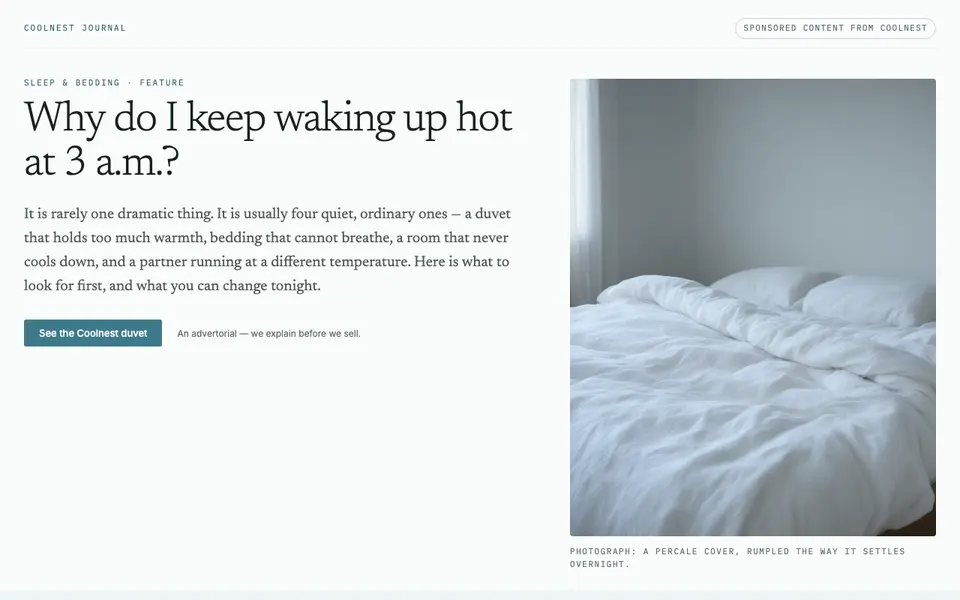
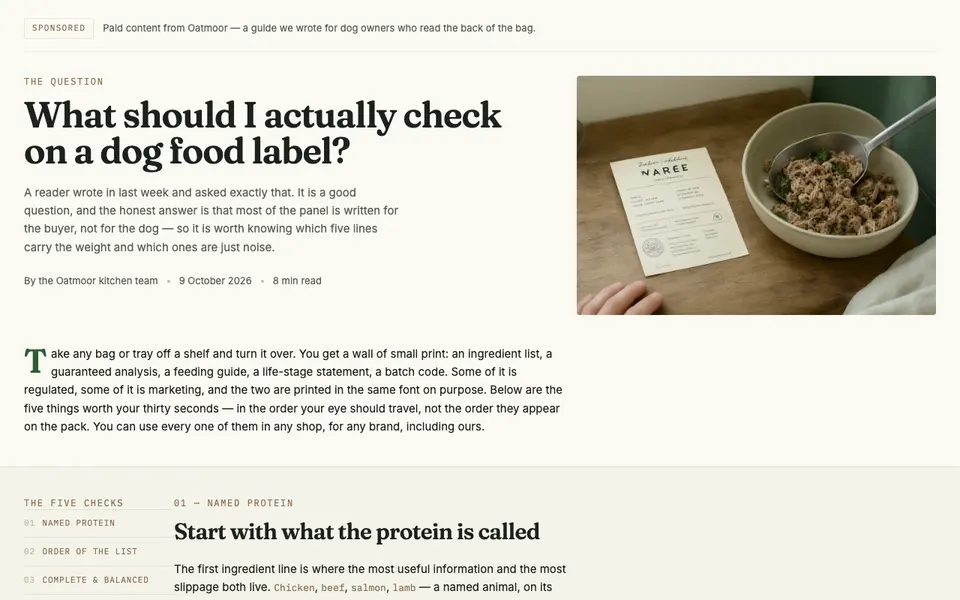
Both pages below are written for readers arriving from a native or social ad: the headline is a question the reader already has, the first half answers it, and the product appears only after that.