What is in the download
- index.html — the whole page in one file. Open it in any browser.
- assets/ — the page’s nine photos, linked with relative paths, so the folder works wherever you put it.
- README.txt — how to use it and the licence: free for personal and commercial projects, change it however you like, but do not resell it as a template.
Two things to know before you edit: fonts load from Google Fonts, and the buy button links to “#” — a placeholder you will replace. The page has no forms. A pre-sell page or prelander only needs one link that works, and this is it.
1. The masthead and sponsored label
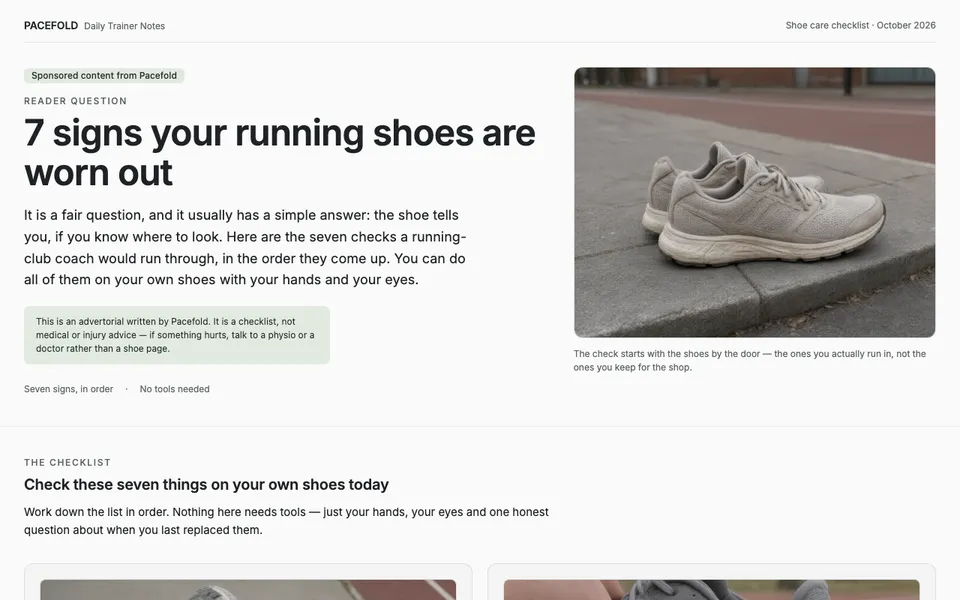
At the top: the brand name, a column name (“Daily Trainer Notes”), a date line, and “Sponsored content from Pacefold”.
- What it does: makes the page look like a column from a brand that knows its subject, and says up front that it is paid for.
- Replace: the brand, the column name and the date line with your own.
- Keep: the sponsored label, near the top and in plain words. Readers and ad reviewers both look for it.
2. The headline, opening and disclaimer
A small “Reader question” label, the headline, a short opening that says how the list works (“You can do all of them on your own shoes with your hands and your eyes”), and a one-line disclaimer that the page is a checklist, not medical advice.
- What it does: repeats the ad’s promise so the visitor knows they are in the right place, and tells them what the read will cost them.
- Replace: the headline with your ad’s own words, and the opening with one or two sentences on how your list works.
- Keep: the disclaimer line if your product is anywhere near health, money or law. It costs one sentence and answers a reviewer’s first question.
3. The lead image
A photo of a pair of well-used running shoes on a pavement — not the shoe being sold.
- What it does: shows the reader their own situation, so the page feels like it is about them.
- Replace: with a photo of your buyer’s situation that you have the rights to use.
- Keep: the product out of it. A pack shot this early turns the page into an ad before the reader has a reason to care.
4. The list
Seven items. Each has a large number, a heading that makes the point on its own (“The heel counter has gone soft”), two or three sentences of explanation, a boxed “How to check” step, and one photo of exactly that sign.
- What it does: gives the reader something useful whether or not they buy, and lets them recognise the problem in their own shoes.
- Replace: all of it, item by item, with signs, mistakes or reasons from your own category. Change the number in the headline to match.
- Keep: the shape of each item. Readers skim the headings, so every heading has to work alone, and every item should end in something the reader can do.
This is the only part that changes between formats. If your case is one connected argument rather than separate points, start from one of the article-style templates below instead — advertorial vs listicle shows the difference on a real page, and listicle advertorial covers how many items to use.
5. The bridge
One line closes the list (“None of these checks are a diagnosis of anything”), then a short section headed “If it is time for a new pair” turns to the product: once a reader has counted two or three of the signs, the question changes from whether the shoes are done to what to replace them with.
- What it does: connects what the reader just recognised to the product, so the switch to selling does not feel abrupt.
- Replace: the wording, so it refers back to your own list.
- Keep: the position. The product appears only after the last item.
6. The product card and button
A photo of the shoe, a one-line description, four rows of facts (price, type, upper, where it fits), one button — “Shop the Pacefold Daily” — and a line under it: free returns within 30 days, even if worn on a run.
- What it does: answers the list with one product and lowers the risk of trying it.
- Replace: the fact rows with what your buyer checks; the button’s “#” with your product page’s address, keeping your campaign parameters on it; the returns line with your real trial, guarantee or returns policy — or delete it if you have none.
- Keep: one product and one button. A second product or a second offer here splits the decision the page has just set up.
What the template does not have: a block of questions and answers. If your product raises doubts the returns line does not settle — price, effort, “will it work for me” — add three or four short ones under the card; block 7 of the advertorial template has a line to fill in for each.
7. The footer
The brand name and one line about it, a sentence saying the brand is a demo, the sponsored line again, and a “Made with Octet Prow” credit.
- Replace: the brand line with yours, and add how to reach you and a link to your privacy policy if the page runs a tracking pixel.
- Delete: the demo-brand sentence. The credit line is optional; keep it or delete it.
- Keep: the sponsored line, and keep the footer free of site navigation — every link away from the offer is a way out.
Where the colours and fonts live
- Colours: the page has two style blocks in its head. The second, larger one starts with CSS variables such as --color-primary, --color-secondary, --color-surface and --color-on-surface. Change those and the buttons, backgrounds and text follow.
- Two colours are also set directly: the first style block sets the page background and text colour on the body. Change them to match your surface and text variables.
- Fonts: the same block has --font-sans and --font-mono. To use another font, change the Google Fonts link in the head as well as the variable.
- Corners and shadows are variables too (--radius-sm to --radius-xl, --shadow-xs to --shadow-lg) if your brand is sharper or flatter than the demo.
Use your brand’s own values rather than picking new ones for this page: the presell page is the first thing a visitor sees, and the product page they land on next should look like the same company.
The other four templates
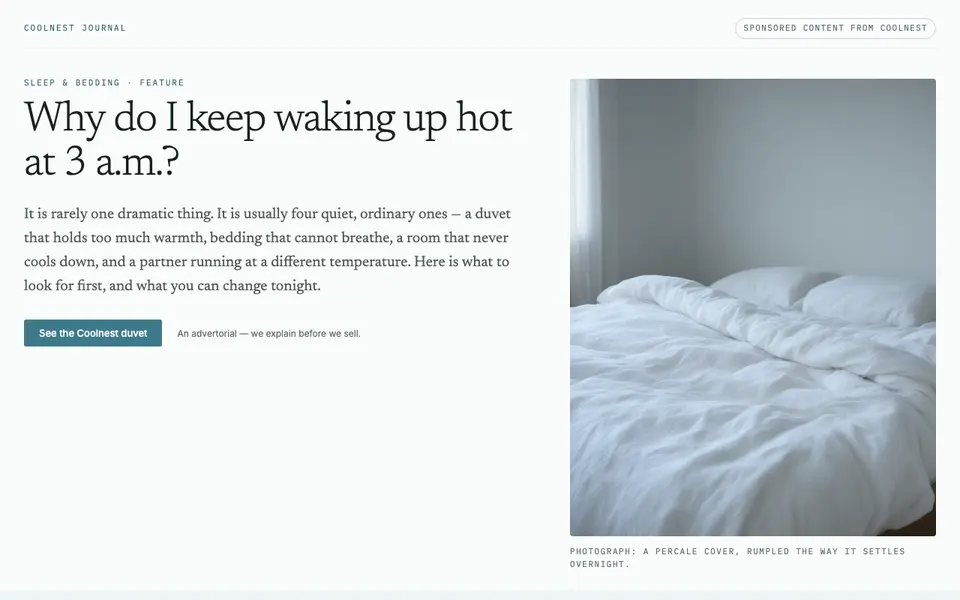
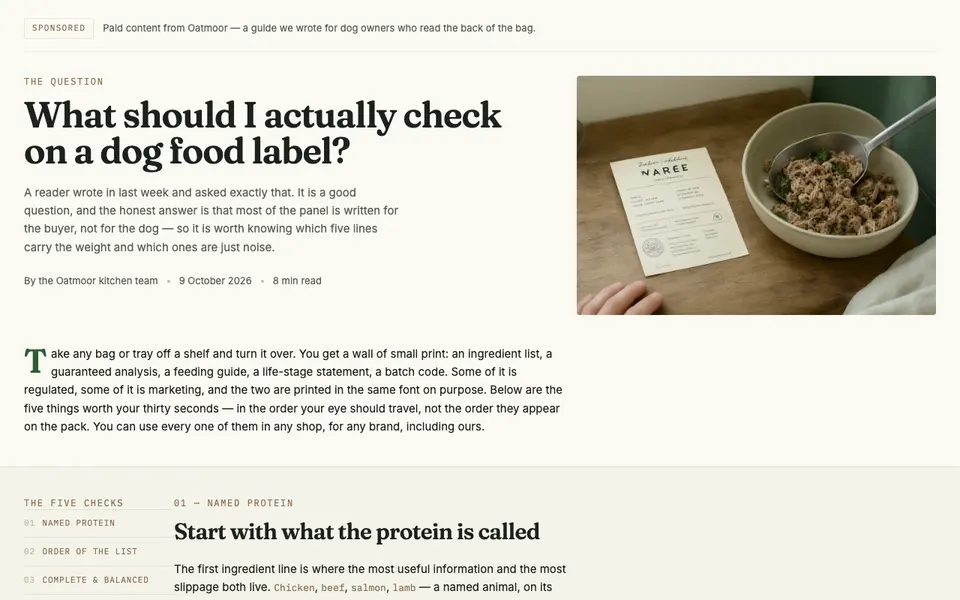
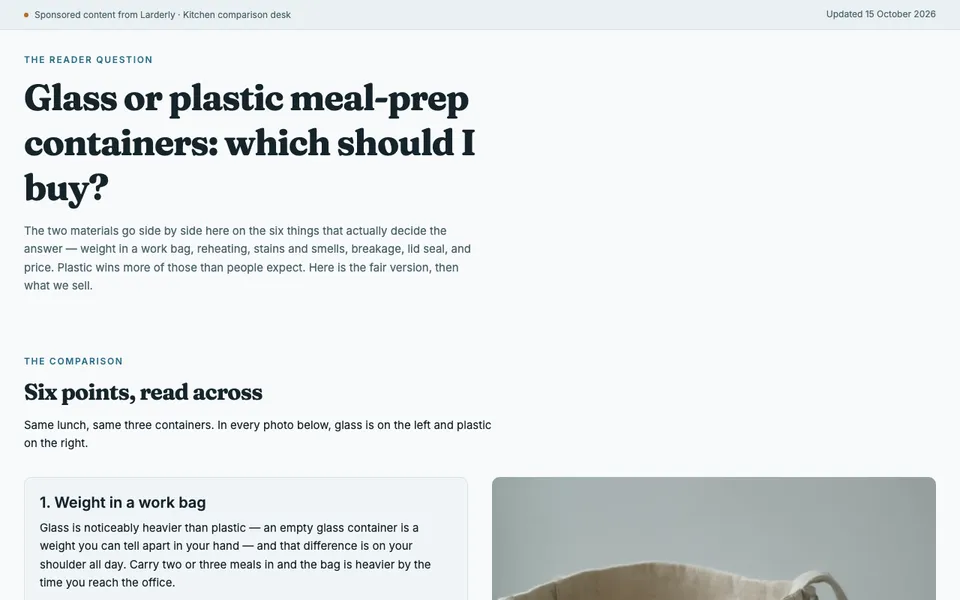
Each follows the same seven parts; only part 4 takes a different shape. All are free to download under their cards, and the rest are on the free templates page. To see why each one is built the way it is, read the page-by-page notes in advertorial examples.
Before it goes live
- Search the file for href="#" and for the demo brand’s name; neither should be left.
- Click every button and check it reaches the same product page, with the same price and offer the page promised.
- Add the same tracking pixel you use on the product page, so the ad platform connects the visit to the purchase.
- Read it at phone width, where most ad traffic arrives — see mobile advertorial layout.
- Upload the folder to any static host, ideally on a subdomain of your own domain.
Once it is live, compare it with sending the same ads straight to the product page; pre-sell page or product page explains how to run that test.